
Wak Master
Tools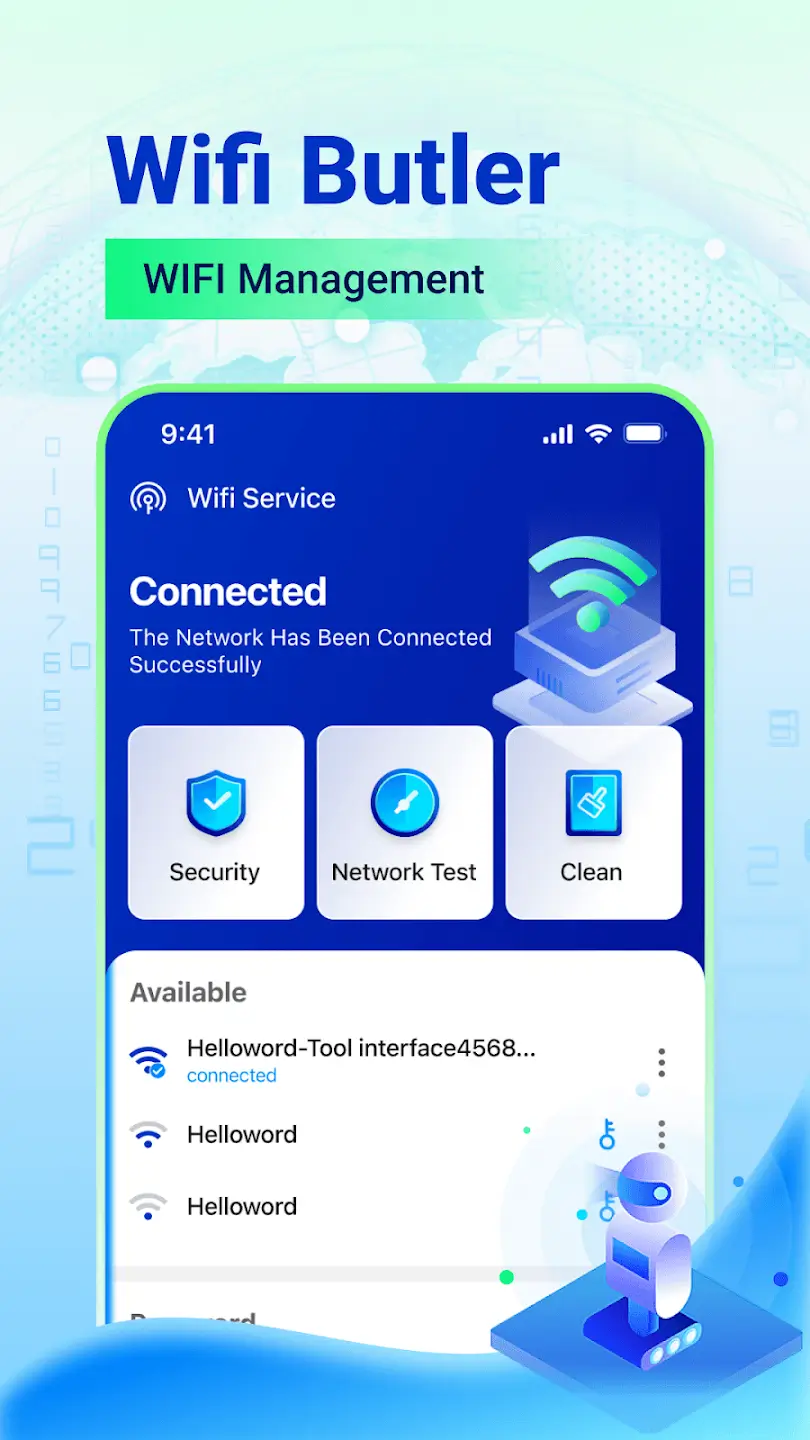
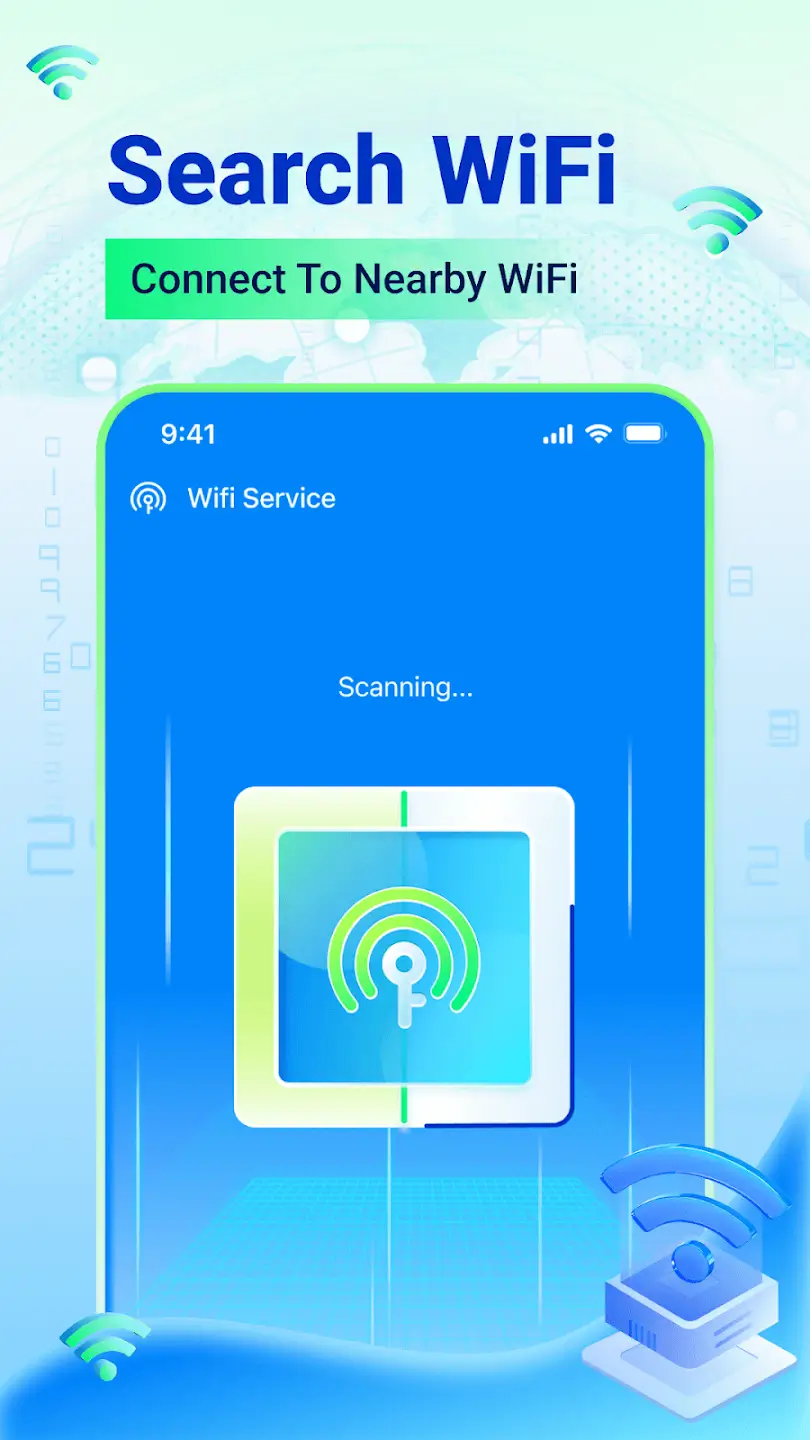
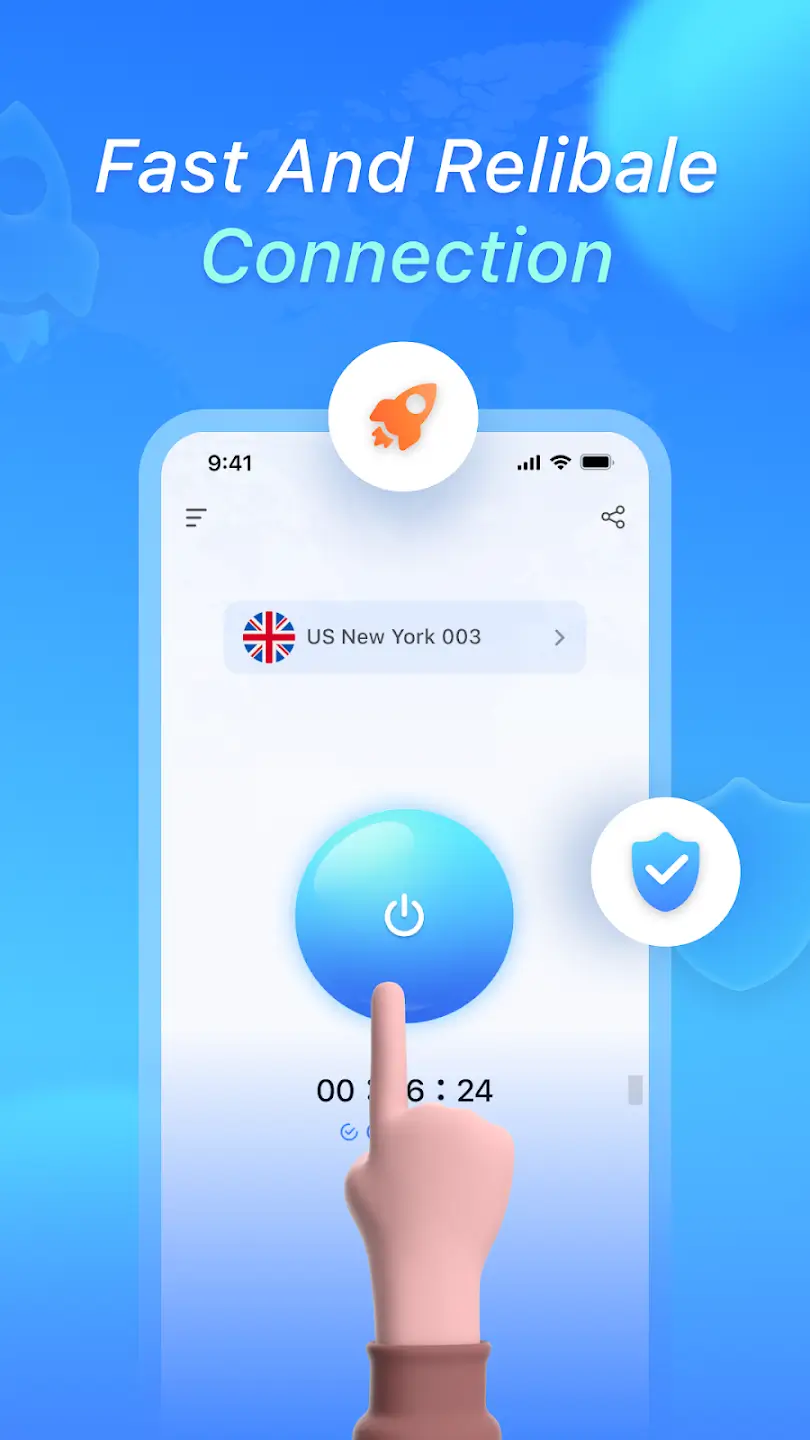
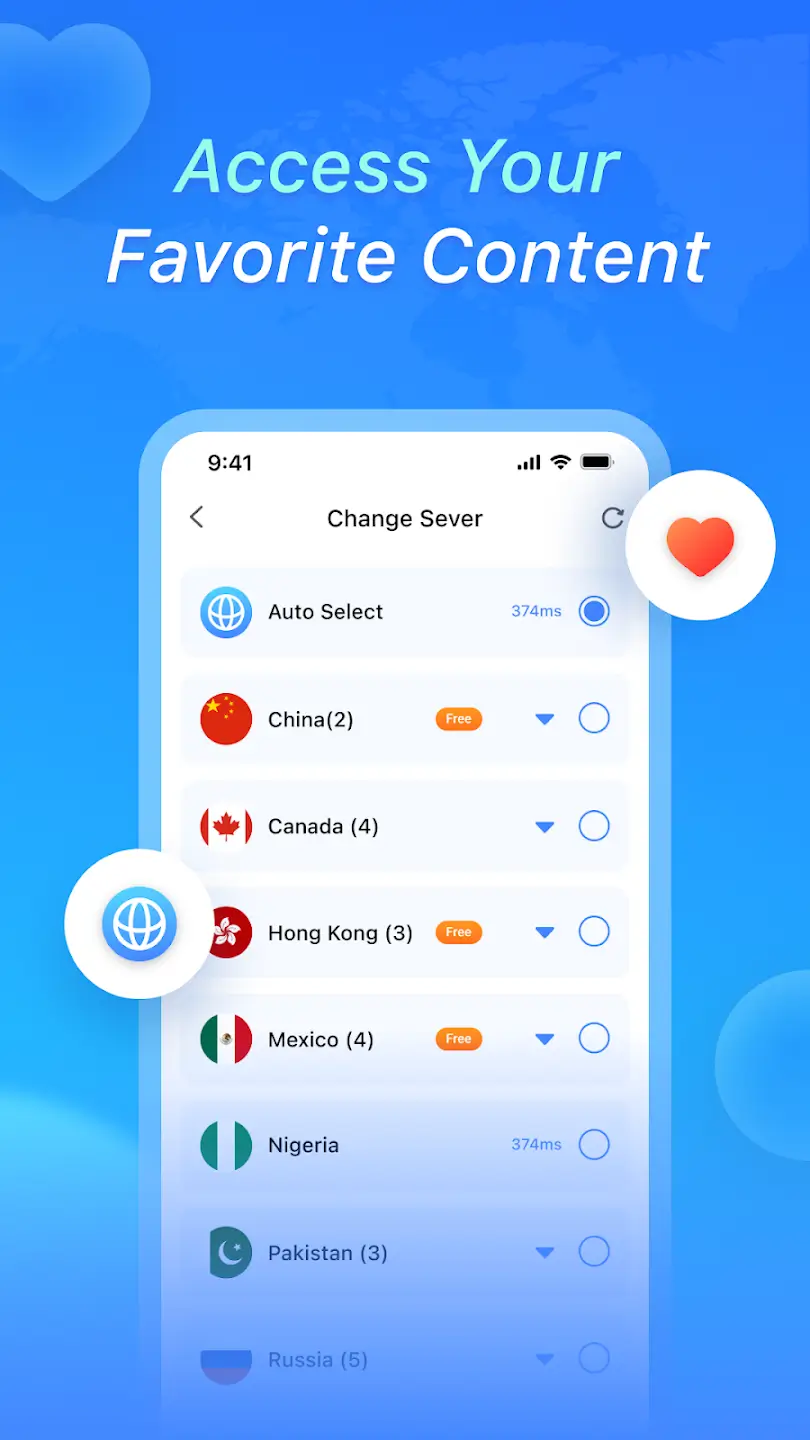

Wak Master is an Android application that lets you connect to secure VPN servers with a few taps, helping to protect your online activity from prying eyes. The app focuses on simplicity, offering a straightforward way to enable a VPN without the clutter of many extra features.
This page gives you the essential details you need to download, install, and use Wak Master safely. You’ll also find compatibility information, troubleshooting tips, a quick safety guide, and a comparison with other popular VPN solutions.
Quick Information
| App/Game Name | Wak Master |
| Latest Version | 1.2.3 |
| Developer | Not listed |
| Category | Apps / Tools |
| App Size | 30.34 MB |
| Package Name | com.wifitool.wifilinmaster |
| Last Updated | 14 January 2026 |
What Is Wak Master?
Wak Master functions as a virtual private network client for Android devices. Its core purpose is to route your internet traffic through encrypted VPN servers, which can help shield your data from eavesdropping and bypass certain network restrictions. The app is aimed at users who want a no‑frills VPN experience – just connect and browse securely.
Because the app’s feature set is limited to establishing a VPN tunnel, it does not include advanced tools such as split tunneling, ad blocking, or built‑in malware protection. Connection quality depends on the availability and performance of the servers provided by the service.
Compatibility
| Android Version | Not Verified |
| Architecture (ARM64 / 32-bit) | ✓ Verified — Supports common device architectures |
| Internet Connection | ✓ Verified — May be required for ads, updates, or login |
| Storage Needed | Not Verified |
| OBB/Data Files | Not Verified |
| Root Required | Not Verified |
How to Install
- On your Android device, go to Settings > Security (or Settings > Apps & notifications > Special app access) and enable Install unknown apps for the browser or file manager you will use.
- Download the Wak Master APK file to your device.
- Locate the downloaded file using your file manager and tap it to start the installation.
- Follow the on‑screen prompts and grant any requested permissions (e.g., VPN permission).
- Once installed, open the app, select a server, and tap Connect to activate the VPN.
Troubleshooting
- App not installed: Ensure that installation from unknown sources is enabled and that the APK file is complete (no corruption).
- Crashes on startup: Clear the app’s cache via Settings > Apps > Wak Master > Storage > Clear cache, then try launching again.
- Cannot connect to a server: Verify that your device has an active internet connection, try a different server, and make sure no other VPN app is running simultaneously.
- VPN permission denied: Re‑grant the VPN permission in the Android prompt that appears when you first try to connect.
- Frequent disconnections: Check battery‑optimization settings; disabling optimization for Wak Master can improve stability.
Safety & Security
Wak Master is a standard Android APK, not a modified build. When downloading, always use a reputable source and verify the file’s integrity if a checksum is provided. Review the permissions the app requests – a VPN client typically needs network access and the ability to create a VPN connection. Avoid entering sensitive personal data (e.g., banking credentials) within the app unless you are certain of its legitimacy. Keep the app updated to benefit from the latest security patches, and be aware that future updates from the original developer may change functionality.
How Wak Master Compares
| Feature | Wak Master | NordVPN | ExpressVPN | Proton VPN |
|---|---|---|---|---|
| Price / Free model | Free (no price listed) | Subscription‑based | Subscription‑based | Free tier & paid plans |
| Platform availability | Android only | Android, iOS, Windows, macOS, Linux | Android, iOS, Windows, macOS, Linux | Android, iOS, Windows, macOS, Linux |
| Standout feature | Simple one‑tap connection | Large global server network | Fastest speeds in independent tests | Strong privacy focus, Swiss jurisdiction |
| Best for | Users who want a straightforward VPN without extra bells | Power users needing many server locations | Streamers and gamers needing low latency | Privacy‑conscious users seeking a free option |
Alternatives
- TunnelBear – Offers a user‑friendly interface and a limited free data allowance, suitable for occasional VPN use.
- Surfshark – Provides unlimited devices, strong security features, and competitive pricing for full‑time VPN users.
- Windscribe – Includes a generous free plan and built‑in ad‑blocking, appealing to users who want extra privacy tools.
Final Verdict
Wak Master delivers a basic, easy‑to‑use VPN solution for Android users who prefer simplicity over a feature‑heavy client. It’s free, lightweight, and quick to set up, making it a good choice for casual browsing protection. However, the lack of advanced options and limited platform support means power users may look to more established VPN services. Before installing, verify the APK’s source, review the permissions, and ensure your device runs a compatible Android version.
Frequently Asked Questions
Wak Master functions as a regular VPN client, but you should download it from a trusted source and review the permissions it requests before installing.
No subscription is listed; the app appears to be offered for free.
The exact minimum Android version is not specified, but the app is compatible with devices running recent Android releases.
When connected, Android displays a key icon in the status bar and the app usually shows a ‘Connected’ status.
Android only allows one VPN connection at a time, so you need to disconnect any other VPN before using Wak Master.
Check your internet connection, try a different server, ensure no other VPN is active, and verify that the app has VPN permission granted.
Updates are typically released by the developer; check the source where you downloaded the APK for newer versions.
No, the app works with standard Android VPN permissions and does not require root.